

- Understanding WhatsApp Business CRM: Features and Benefits
- Setting Up WhatsApp Business CRM for Success
- Best Practices for Using WhatsApp Business CRM
- Case Studies: Successful Implementation of WhatsApp Business CRM
- Measuring Success with WhatsApp Business CRM Metrics
- Frequently Asked Questions about WhatsApp Business CRM
Understanding WhatsApp Business CRM: Features and Benefits
What is WhatsApp Business CRM?
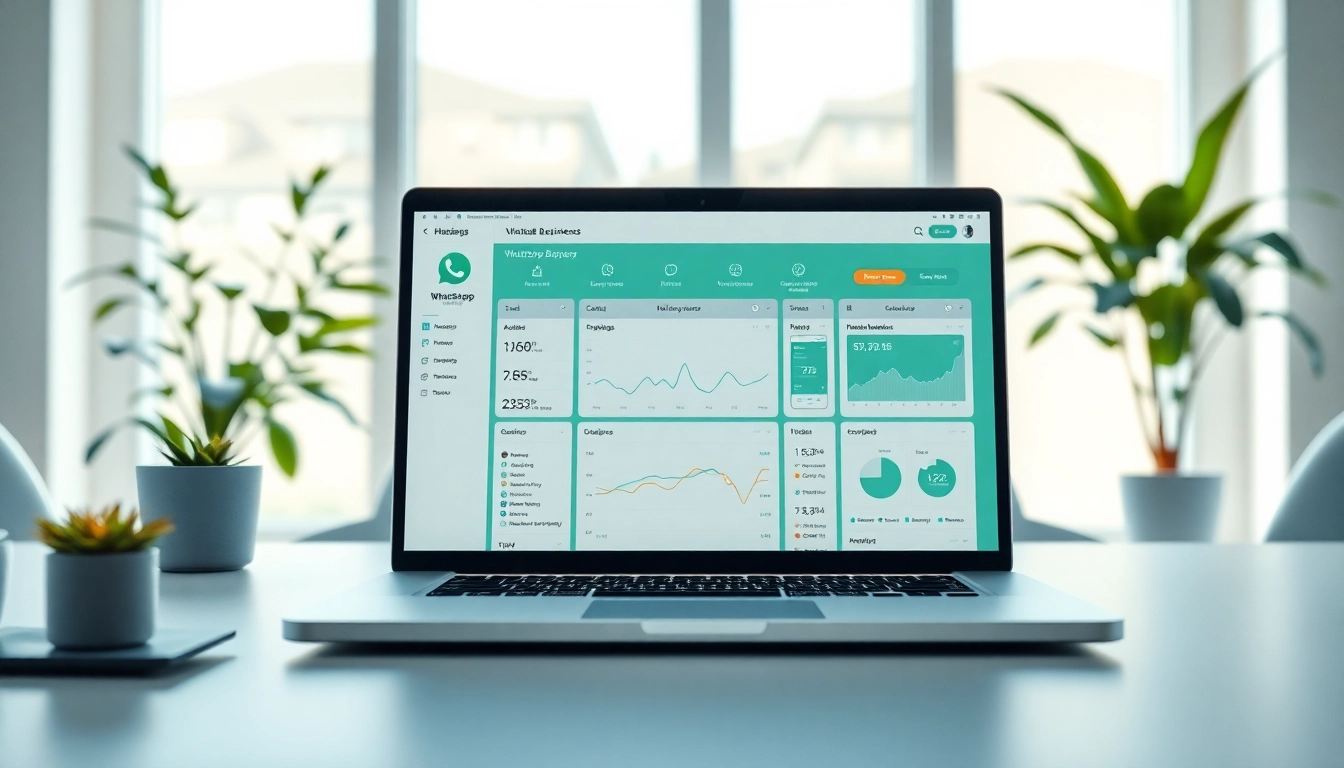
In the ever-evolving landscape of customer relationship management, the WhatsApp Business CRM stands out as a powerful tool that leverages the widespread usage of WhatsApp to enhance customer interactions. A WhatsApp Business CRM allows businesses to manage customer relationships directly through the WhatsApp platform, integrating communication channels to streamline operations. Using this tool, businesses can efficiently handle customer inquiries, send updates, and manage interactions, all while maintaining a personal touch that is often lost in traditional CRM systems.
Key Features of WhatsApp Business CRM
The WhatsApp Business CRM is equipped with several functionalities designed to improve client interactions and boost operational efficiency. Here are some key features:
- Automated Messaging: Set up automated replies to common inquiries, ensuring customers receive timely responses.
- Quick Replies: Create templates for frequent questions, allowing for faster communication without losing personalization.
- Labeling Contacts: Organize customers using labels for easy tracking and tailored communication.
- Multi-Agent Support: Allow multiple team members to access and manage customer communications through a shared platform.
- Analytics and Reporting: Track performance metrics including engagement rates and response times to make data-driven improvements.
Benefits for Small and Large Businesses
The benefits of implementing a WhatsApp Business CRM extend across businesses of all sizes. For small businesses, it provides an affordable means of professional customer interactions, bridging the gap between personal touch and business efficiency. Larger enterprises, on the other hand, can utilize the CRM to manage vast customer datasets and interactions, improving team collaboration without sacrificing personalization. Overall, the integration enhances customer satisfaction, increases operational efficiency, and can drive sales growth.
Setting Up WhatsApp Business CRM for Success
Creating Your WhatsApp Business Account
The first step in leveraging a WhatsApp Business CRM is to create a dedicated business account. This requires downloading the WhatsApp Business app and registering with your business phone number. Properly setting up your profile—including business name, description, and profile picture—will help establish your brand’s identity and build credibility. Ensure that you also verify your account, as this adds a layer of trust for customers looking to engage with your business.
Integrating with Existing Systems
To fully leverage the capabilities of the WhatsApp Business CRM, integration with existing systems is crucial. Consider connecting with tools like e-commerce platforms, payment gateways, and customer service software to centralize operations. This not only allows seamless communication but also streamlines processes—such as placing orders, handling returns, or providing customer support—all through the familiar WhatsApp interface.
Customizing CRM Settings for Your Needs
Customization options within the WhatsApp Business CRM allow businesses to tailor settings according to their specific needs and customer preferences. This includes setting business hours for responses, customizing automated replies based on common inquiries, and segmenting customers for targeted marketing campaigns. Effective customization enhances user experience and ensures that customers feel valued and understood.
Best Practices for Using WhatsApp Business CRM
Effective Communication Strategies
To maximize the effectiveness of your WhatsApp Business CRM, implementing effective communication strategies is essential. Consider personalization as a key driver—addressing customers by their names and responding to their specific issues fosters a relationship built on trust. Moreover, keep messages concise and clear; utilize media such as images and videos to enrich the conversation. A tone that reflects your brand’s personality yet remains professional can make a significant positive impact on customer interactions.
Leveraging Automated Responses
Utilizing automated responses effectively can greatly enhance customer service. Businesses should focus on creating responses for frequently asked questions, store hours, or service availability. While automation provides efficiency, it’s important to provide an option to speak with a human representative if the customer requires further assistance. This balance maintains excellent customer service while optimizing resource management.
Monitoring Customer Interactions
Regularly monitoring customer interactions through your WhatsApp Business CRM is vital for continuous improvement. Analyze conversation patterns and customer feedback to identify areas for enhancement. Use the analytics tools to assess how effectively your team addresses customer concerns, and refine your strategies based on these insights. Ongoing evaluation ensures that your CRM efforts align with customer expectations and promotes sustained success.
Case Studies: Successful Implementation of WhatsApp Business CRM
Case Study 1: Boosting Sales through Direct Messaging
A grocery store chain implemented WhatsApp Business CRM to enhance their promotional campaigns. By sending targeted offers directly to customers, they saw a 30% increase in sales within the first month. The store used the platform to facilitate direct interactions allowing for immediate feedback and suggestions. This responsive approach not only increased sales but built stronger customer relationships.
Case Study 2: Enhancing Customer Support Experience
An online fashion retailer adopted WhatsApp Business CRM to streamline their customer support system. By automating responses to common queries about shipping and returns, they reduced their average response time by 50%. Furthermore, customers expressed higher satisfaction rates due to the quick and relevant information received through the platform, leading to a decrease in returns and exchanges.
Case Study 3: Streamlining Marketing Efforts
A tech startup utilized WhatsApp Business CRM for their marketing outreach, focusing on sending product updates and event notifications. By leveraging the app’s personalization features, they created tailored content for specific segments of their customer base, resulting in a 40% increase in event participation rates. The platform provided a direct line of communication which enhanced customer engagement and loyalty.
Measuring Success with WhatsApp Business CRM Metrics
Key Performance Indicators to Track
To evaluate the effectiveness of using WhatsApp Business CRM, businesses should track relevant key performance indicators (KPIs). Some essential KPIs include:
- Response Time: Measure the average time taken to respond to customer inquiries.
- Engagement Rate: Track interactions per message to gauge interest and effectiveness.
- Customer Satisfaction Score (CSAT): Collect feedback through surveys post-interaction to determine satisfaction levels.
- Conversion Rate: Evaluate how many customer inquiries convert into sales or desired actions.
- Retention Rate: Monitor how often customers return for more interactions or purchases.
Analyzing Engagement Rates
Understanding engagement rates is crucial for adjusting communication strategies. High engagement indicates successful content and outreach, while low engagement may reveal a mismatch between customer expectations and communication tactics. Analyzing response effects, click-through rates, and user feedback will guide businesses on necessary adjustments to enhance customer engagement moving forward.
Adjusting Strategies Based on Data Insights
Data insights gleaned from monitoring the WhatsApp Business CRM should be actionable. For instance, if engagement rates decline, consider testing different message formats or timing of messages. Remember to remain adaptable—what works well today may not yield the same results tomorrow. Continuous improvement based on real-time analytics fosters a responsive business model that prioritizes customer satisfaction and operational efficiency.
Frequently Asked Questions about WhatsApp Business CRM
What is WhatsApp Business CRM used for?
WhatsApp Business CRM helps businesses manage customer communications, automate responses, and streamline customer interactions directly through the WhatsApp platform.
How do I set up WhatsApp Business CRM?
To set it up, download the WhatsApp Business app, create your business account, configure your profile, and integrate necessary systems for seamless operations.
Can small businesses benefit from WhatsApp Business CRM?
Yes! Small businesses can enhance customer interactions and improve efficiency without significant investment, making personalized communication achievable.
How does automation improve customer service?
Automation allows for quicker responses to common queries, freeing up human agents for complex issues, leading to better overall customer satisfaction.
What metrics should I track with WhatsApp Business CRM?
Key metrics include response time, engagement rates, customer satisfaction scores, conversion rates, and retention rates to measure effectiveness.